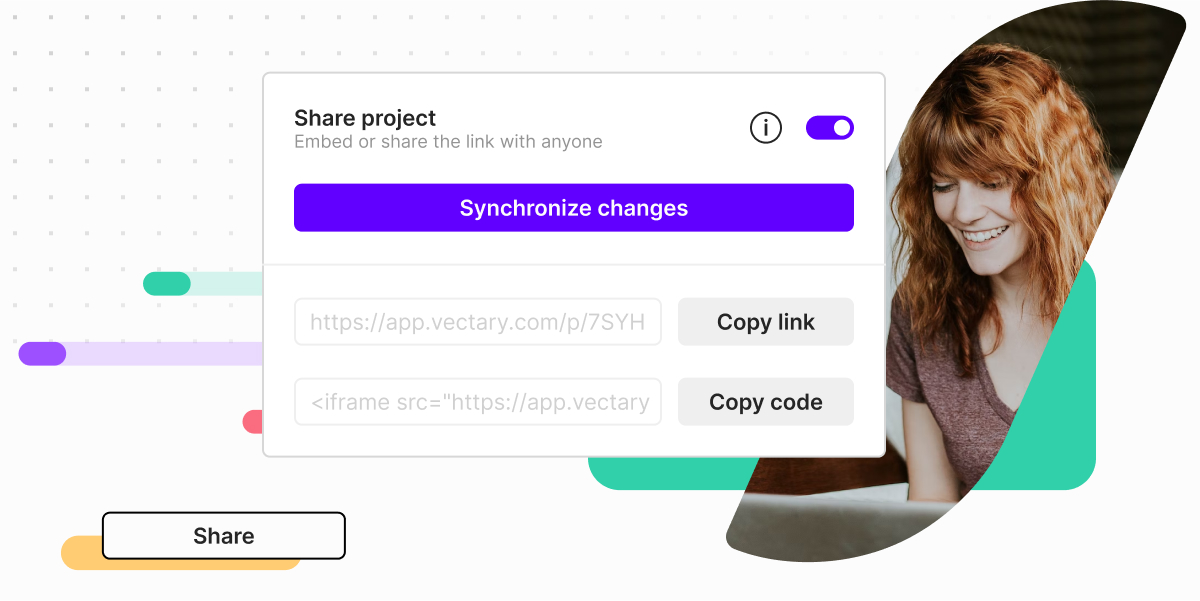
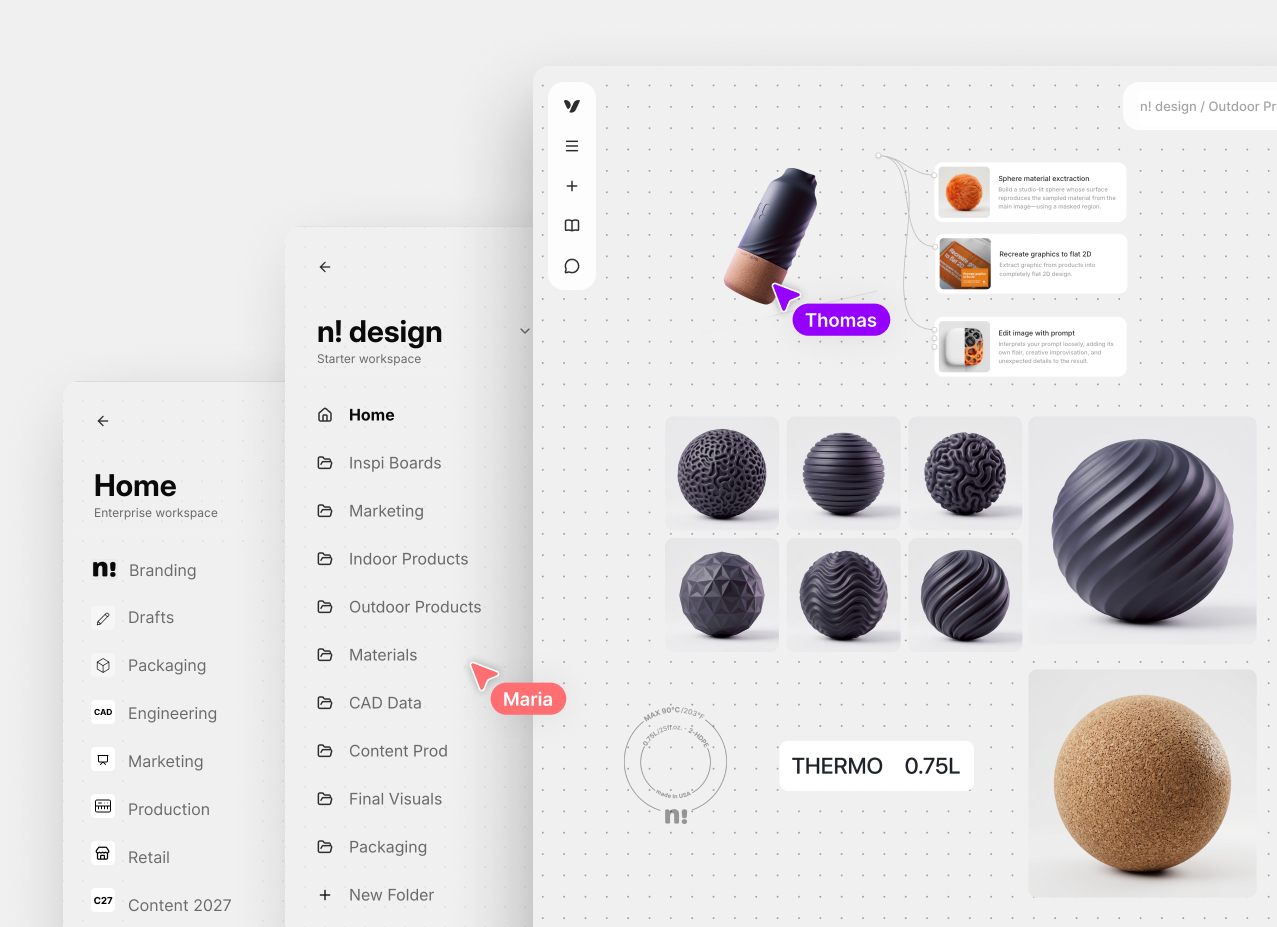
Get faster approvals for any product, package or UI designs. Let the client see a realistic prototype wherever they are.
E-commerce showcases
Displays showing off full capabilities and complete product information can be easily embedded to a site for conversion boosts.
Instructional content
Visualize the how-to steps with a simple and clear demonstration of the process or product versatility.
No-code, interactive 3D visual communication for sharing ideas on the web
How to set up Animations and Interactions
Surprisingly simple process for effective and dynamic results. Available to all Pro and Custom plan users.
Create a 3D design
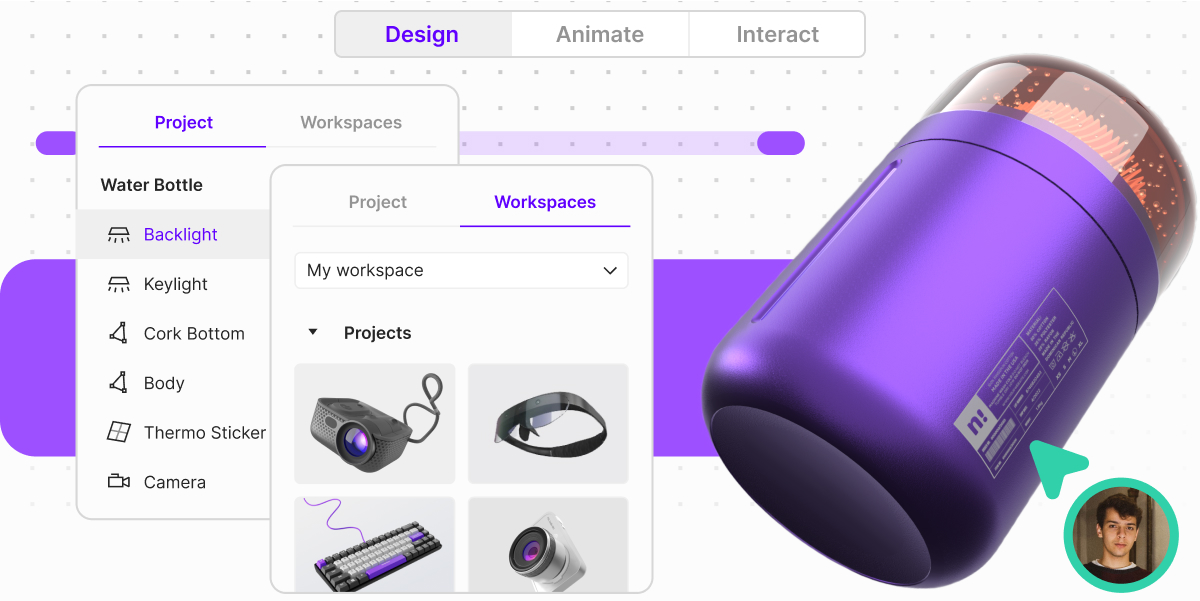
Start your project in Design mode where you build your scene, create or import 3D assets, adjust materials and add graphical elements that can become responsive triggers.
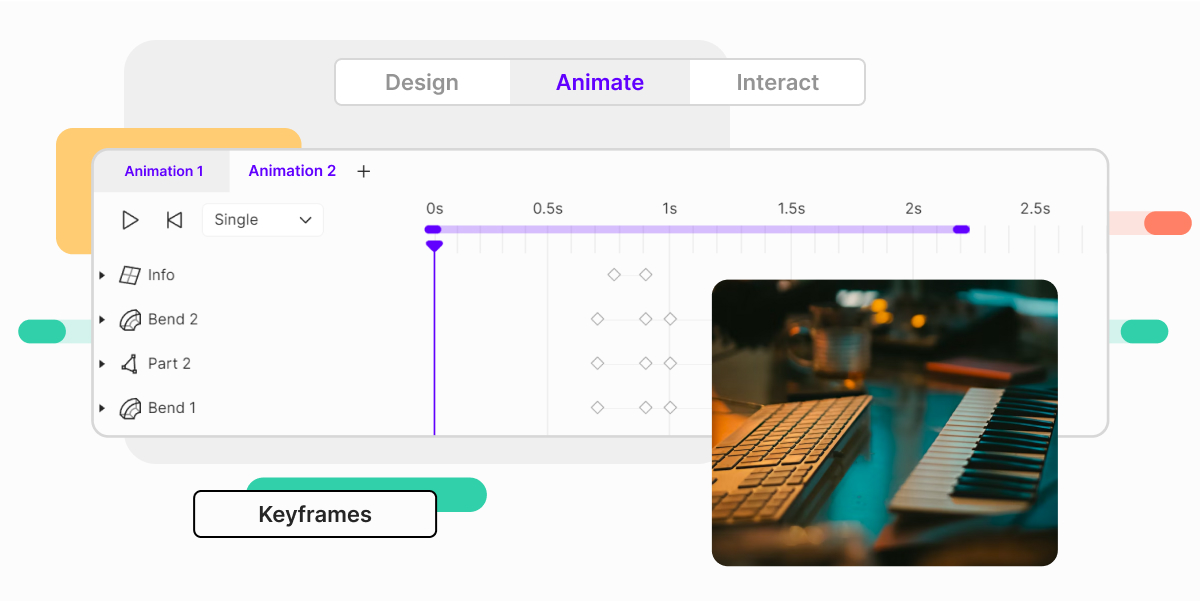
Use the new Animation mode with keyframes on a timeline. Use movement to show a process, modularity, sequence and direction. Can be triggered with Interactions or without.
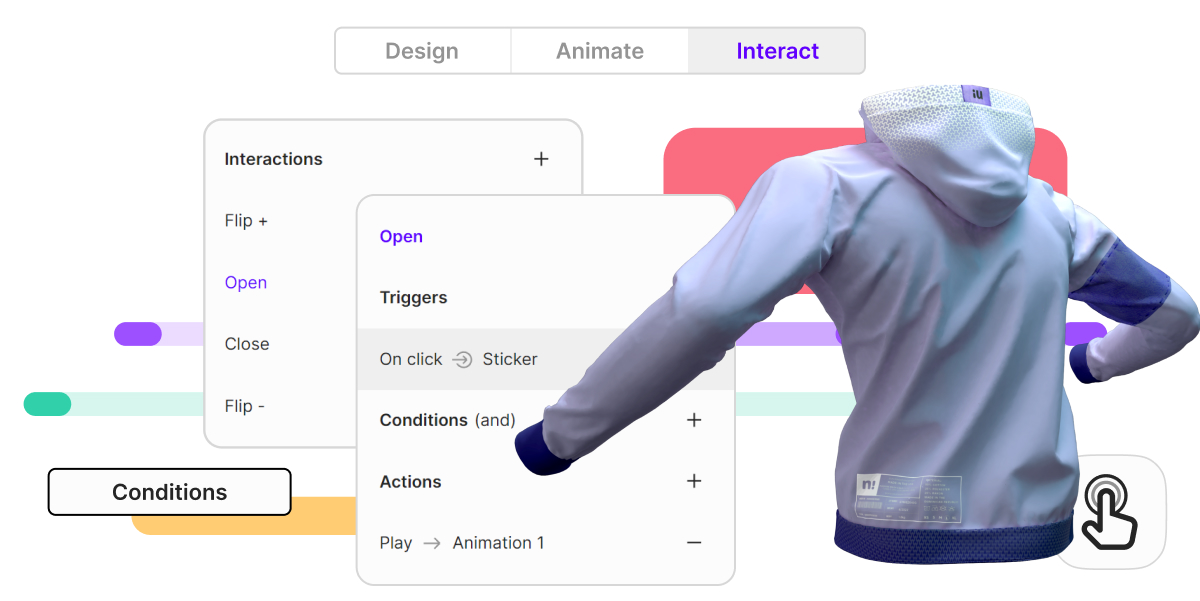
In Interact mode, define triggers, conditions and actions. Decide how the audience should interact with the design to set up user behavior. Interaction can display information, control an animation or offer any other solution using floating UIs.
These graphic elements can be built anywhere on the scene to open up more information. Customize them and add branding, images, annotations or menu styles.
Hotspots
Add a custom hotspot on the scene to prompt users to click and explore. Hotspots can be custom PNG icons or animated with Lottie files.
Variants
Group an entire scene setting into one switchable variant. Switch between objects, camera views, scenes or backdrops.